• Skip to main content
  • Skip to footer

Macpreneur

Mac tips & strategies for solopreneurs

  • Episodes
    • Listen to all the episodes
    • Season 7: AI-Enhanced Macpreneur
    • Season 6: Guest Interviews
    • Season 5: Digital Security
    • Season 4: Process Efficiency
    • Season 3: Artificial Intelligence
    • Season 2: Mac Productivity
    • Season 1: 2018-2019
  • Get featured
    • Be my Guest
    • Submit your question↗
  • Social
    • Facebook↗
    • Instagram↗
    • LinkedIn↗
    • YouTube↗
  • Tools
  • Contact
You are here: Home / Episodes / MP009: Storytelling through documentary film making with Ben Toalson
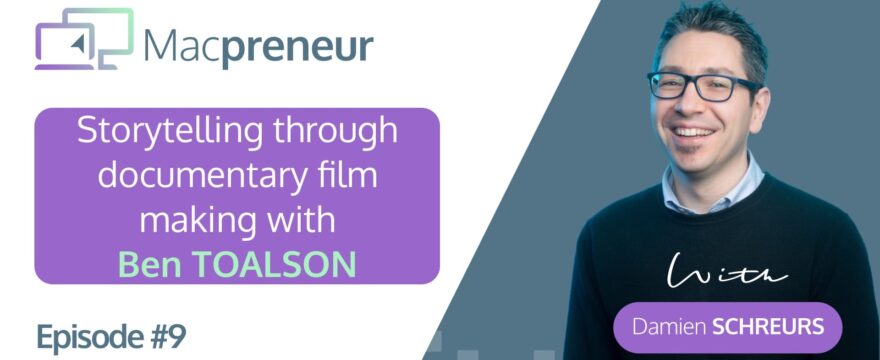
MP009: Storytelling through documentary film making with Ben Toalson

MP009: Storytelling through documentary film making with Ben Toalson

August 2, 2018 By DamienSchreurs

Episode Summary:

In this episode, Ben Toalson explains how he’s using his Retina iMac, iPhone 6 and iPad Air 2 to produce documentaries while offering SEO and graphic design services on the side.

Around the 44 minutes mark, Ben shares a tip that is useful when you need to dim your iPhone screen as much as you possibly can.

You can connect with Ben via:

  • Twitter: @bentoalson
  • Facebook: www.facebook.com/bentoalson
  • Website: www.bentoalson.com

Useful links:

  • Tough Nissi Documentary
  • Kate’s Take #182: To be an entrepreneur , in the nontraditional sense
  • Kate’s Take #186: 186: An alternative to running your own business (hint: help someone else run theirs)
  • Pro Camera iOS app
  • Rode recorder iOS app
  • Rode Smart Lav+ microphone
  • My Fitnesspal: Calorie Counter and Diet Tracker
  • G Suite (Google Drive, Sheets, Docs, …) for businesses
  • Adobe Premiere Pro
  • Promptsmart: Teleprompter app
  • Beam splitter glass YouTube video
  • Fitbit Charge HR on Amazon
  • Fitbit Charge 2 (Successor to Charge HR)
  • Use and customize Control Center on your iPhone, iPad, and iPod touch
  • Use Display Accommodations on your iPhone, iPad, and iPod touch
  • How to take a screenshot on your Mac
  • Keyboard Maestro
  • Work in multiple spaces
  • BetterTouch tool
  • Toalson media on Patreon

Share this:

  • Print (Opens in new window) Print
  • Share on Facebook (Opens in new window) Facebook
  • Share on LinkedIn (Opens in new window) LinkedIn
  • Share on X (Opens in new window) X
  • Share on WhatsApp (Opens in new window) WhatsApp

Filed Under: Episodes, Season 1: 2018-2019

Footer CTA

Privacy & Cookies: This site doesn't use cookies unless you have created an account. To find out more about the data that we may process, see here: Privacy Policy
  • Listen to the podcast
  • Privacy Policy

Copyright © 2026 · Academy Pro On Genesis Framework · WordPress · Log in