• Skip to main content
  • Skip to footer

Macpreneur

Mac tips & strategies for solopreneurs

  • Episodes
    • Listen to all the episodes
    • Season 7: AI-Enhanced Macpreneur
    • Season 6: Guest Interviews
    • Season 5: Digital Security
    • Season 4: Process Efficiency
    • Season 3: Artificial Intelligence
    • Season 2: Mac Productivity
    • Season 1: 2018-2019
  • Get featured
    • Be my Guest
    • Submit your question↗
  • Social
    • Facebook↗
    • Instagram↗
    • LinkedIn↗
    • YouTube↗
  • Tools
  • Contact
You are here: Home / Episodes / MP014: Automation: Behind the scenes of a freelance Apple consulting business – part 4
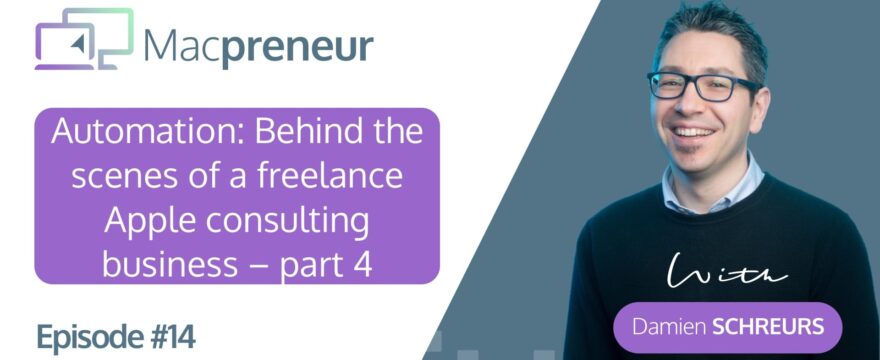
MP014: Automation: Behind the scenes of a freelance Apple consulting business – part 4

MP014: Automation: Behind the scenes of a freelance Apple consulting business – part 4

September 6, 2018 By DamienSchreurs

Episode Summary:

So, three episodes ago, I kicked off a series of solo shows that explore the behind the scenes of my freelance Apple training & consulting business.

First, I’ve gone through my Mac setup, then my iOS devices and in the last episode, I covered the essential online services that entrepreneurs need to run a consulting business.

Now, initially, I planned this series to span three episodes but I realised that I could not fit the automation part in the last one.

So the 3-part series turned into a 4-part series and today, you’ll discover how I use automation to help me manage this business entirely on my own and still have time to take care of myself and spend time with my family.

Today’s episode is structured in 2 main parts:

  1. First, I’ll go through the different automation tools that I’m using
  2. Then I’ll illustrate concretely using examples in three different categories
    • Sales
    • Accounting
    • Marketing

If you’d like to be a guest on the show or know an entrepreneur who would be a great guest on the show, just visit macpreneur.com/contact

Useful links:

Tools

Mac automation

  • Hazel
  • Keyboard Maestro

iOS automation

  • Workflow (iOS app on App Store)
  • Canvas episode #22: Workflow – The Basics

Web automation

  • Podio automated workflows
  • IFTTT
  • Zapier

Discovery

  • Using IFTTT to add Fitbit sleep data to the iOS Health app

Upgrades

  • ConvertKit visual automation

Share this:

  • Print (Opens in new window) Print
  • Share on Facebook (Opens in new window) Facebook
  • Share on LinkedIn (Opens in new window) LinkedIn
  • Share on X (Opens in new window) X
  • Share on WhatsApp (Opens in new window) WhatsApp

Filed Under: Episodes, Season 1: 2018-2019

Footer CTA

Privacy & Cookies: This site doesn't use cookies unless you have created an account. To find out more about the data that we may process, see here: Privacy Policy
  • Listen to the podcast
  • Privacy Policy

Copyright © 2026 · Academy Pro On Genesis Framework · WordPress · Log in