
TL;DR
In this episode, you’ll learn how solopreneurs MV Braverman, Neena Perez, and Kim DeYoung use AI to brainstorm on their Macs. Discover how to leverage AI as a sparring partner, practice client, and verbal sounding board to refine content, rehearse difficult conversations, and overcome the isolation of independent brainstorming.
Watch now
Summary
Guest Profiles and Tech Setup
In episode 159 of the Macpreneur podcast, I revisit how three of my accomplished guests, MV Braverman, Neena Perez, and Kim DeYoung are using AI tools, particularly ChatGPT, as brainstorming partners.
All three guests are Mac users who have integrated AI tools into their daily workflows.
The episode focused on transforming AI from a simple Q&A tool into a dynamic creative partner built right into your Mac ecosystem.
Main Apps and Services
The primary application discussed throughout the episode was ChatGPT, which all three guests use in different but complementary ways:
- ChatGPT’s text interface – Used by MV Braverman for content development and refinement
- ChatGPT’s role-playing capabilities – Leveraged by Neena Perez for sales call preparation
- ChatGPT’s voice mode – Utilized by Kim DeYoung for verbal brainstorming sessions
The benefits highlighted included:
- 24/7 availability for brainstorming
- Ability to challenge and refine ideas
- Practice environment for client interactions
- Reduction in time spent staring at blank screens
Tips and Tricks
From MV Braverman: The Sparring Partner Technique
- Don’t be polite with AI – challenge it and “fight” with it
- Start with an “info dump” of all your scattered thoughts
- Ask the AI to organize your thoughts and find weak spots
- Request feedback on structure for specific platforms like LinkedIn
- Have the AI adopt personas of people whose work you respect
From Neena Perez: The Practice Client Technique
- Use role-playing to prepare for real client interactions
- Ask the AI to pose difficult questions and objections
- Practice navigating challenging conversations in a safe environment
- Use this approach to prepare for discovery calls or job interviews
From Kim DeYoung: The Verbal Sounding Board Technique
- Use ChatGPT’s voice mode for natural two-way dialogue
- Think out loud to get ideas flowing
- Create a collaborative environment for idea refinement
I also shared a resource for you: a quick quiz at macpreneur.com/aistage that helps identify your AI archetype (dabbler, integrator, or automator) and provides three practical next steps.
Missed those episodes? Revisit them via the following links:
- MP117 – Helping Solopreneurs Make Wiser Choices on Mac with Kim DeYoung
- MP132 – Your Mac Can Be Your AI Practice Client with Neena Perez
- MP136 – Why ‘Fighting’ ChatGPT Works Magic for This Mac User with MV Braverman
Key Takeaways
- The “Sparring Partner” technique involves challenging AI with your scattered thoughts and engaging in a back-and-forth dialogue to refine content from good to exceptional.
- Using AI as a “Practice Client” allows you to rehearse difficult conversations, handle objections, and build confidence before important sales calls or meetings.
- The “Verbal Sounding Board” technique leverages ChatGPT’s voice mode to create a natural two-way dialogue that helps solopreneurs get ideas out of their head more efficiently.
- Successful AI brainstorming requires moving beyond simple Q&A to create a dynamic partnership where the AI enhances your thinking rather than replacing it.
- For solopreneurs who typically work alone, AI tools can function as 24/7 creative partners that help overcome the isolation of independent brainstorming.
- The most effective AI workflows don’t involve having AI do the work for you, but rather using it as a tool to help you think better and refine your own ideas.
Listen Now
Subscribe from your favorite podcast player






Subscribe from your favorite podcast player
FULL TRANSCRIPT (Click here)
Introduction: The Solopreneur’s Dilemma
Damien Schreurs: Hello, as a solopreneur, we all know that feeling. You’ve got a big idea—maybe for new products, a marketing email, or a video—and you are staring at a blank screen on your Mac. You wish you had a colleague, a marketing team, or just someone to bounce ideas off of. But it’s just you. That process of brainstorming alone can eat up hours of your valuable time.
And, honestly, it can be pretty frustrating.
Unlocking AI’s Potential: The Creative Partner
Damien Schreurs: But what if you could change that? What if you had a 24/7 creative partner built right into your Mac? That’s exactly what AI tools like ChatGPT can be. But the secret isn’t just what you ask it; it’s how you use it. It’s about moving from a simple Q&A to a dynamic, productive partnership.
Today I want to show you three techniques for using AI as your brainstorming partner. All are taken from interviews with successful Macpreneurs who are using this right now. This isn’t about generic robotic answers. It’s about helping you save time and make your ideas stronger. Let’s get into the first technique right after the intro.
Nova AI: Welcome to Macpreneur, the show for seasoned solopreneurs looking to streamline their business on a Mac. Unlock the secrets to saving time and money with your host and technology mentor, Damien Schreurs.
Technique 1: The Sparring Partner
Damien Schreurs: Technique number one is what I call the sparring partner. So many of us are too polite with AI. We are asked a question, we get an okay answer, and then we move on. But my guest, MV Braverman, does the exact opposite. She’s not afraid to fight with the AI. She’ll do an info dump of all her scattered thoughts on a topic and then challenge the AI to organize them, find a weak spot, and do better. This back-and-forth process is where the real magic happens for refining content. Here’s MV explaining her approach.
MV Braverman: I don’t know how to say this—I use it to fight with. It’s really, mainly, a brainstorming partner. So I will never put out content that just says, “ChatGPT, write about this” or simply, “Write me something.”
But I will say, “Here’s my info dump; these are my random thoughts. Please help me organize this. Give me feedback. How can I structure this for a LinkedIn post?” And I ask it to take on a couple of personas of people whose work and style I respect and say, “Well, how would they say this?”
Damien Schreurs: See, don’t be afraid to push back. That’s how you get from a B idea to an A-plus idea. Okay, so that’s a great workflow for content, but what about for conversations like a big sales call?
Technique 2: The Practice Client
Damien Schreurs: This brings us to technique number two: the practice client. This workflow is all about building confidence and saving you from costly mistakes.
On a real call, my guest Neena Perez shared this brilliant idea. Instead of just asking the AI for advice, she has it role-play as a potential client. She specifically tells it to give her difficult questions and objections. This way, she can practice her answers, refine her pitch, and walk into the real meeting feeling prepared and confident.
It’s such a fantastic way to use this technology.
Neena Perez: I was on ChatGPT the other day, and I was role-playing with ChatGPT because I said, “Hey, I love role-playing.” For anybody who has an entrepreneurial business or a service-based business, you want to be comfortable when you’re talking to the other person on the other side of the screen.
And so one of the great things to use, either with—uh, I don’t want to say her name—or ChatGPT is that you can role-play. So what I do is I have ChatGPT become a potential client and have it ask me very difficult questions that I need to navigate in a conversation. We were literally having a coach-client conversation.
It was phenomenal. I was like, “Wow, okay.” Then I would give it an answer, and it would respond with, “Well, I get that,” challenging me further. I love this thing because when I face those challenges, I feel a little more prepared. So why not use all of this intelligence to maybe help you prepare for a job interview or for your next discovery call? It’s been very helpful. I love it.
Damien Schreurs: Such a smart, practical workflow for any solopreneur. So we’ve covered AI as a sparring partner and as a practice client.
Technique 3: The Verbal Sounding Board
Damien Schreurs: Finally, technique number three is using AI as a verbal sounding board. This one is perfect for those of us who tend to think out loud. Sometimes the biggest barrier to productivity is just getting the ideas out of our head. In this last clip, my guest, Kim DeYoung, and I were talking about the power of using the voice mode in ChatGPT. It turns the tool into an assistant with which you can have an actual two-way dialogue.
You can just talk, brainstorm, and let the ideas flow naturally—almost like having an assistant in the room with you. Check out how Kim describes it.
Kim DeYoung: ChatGPT has become my favorite assistant. I come up with the ideas, ask it for an idea, and it comes back with something—creating a really interesting and fun two-way dialogue. Again, as a solo entrepreneur, I have so many ideas, so it’s nice to have that dialogue.
Recap and Next Steps
Damien Schreurs: Okay, so let’s do a quick recap.
We just learned three powerful, practical ways to use AI to save time and stop brainstorming alone. Number one: the sparring partner. Dump your ideas and fight with the AI to challenge and refine them, just like MV Braverman. Number two: the practice client. Have the AI role-play as a difficult client so you can practice handling objections, like Neena Perez. And number three: the verbal sounding board. Use voice mode for a two-way dialogue to get ideas out of your head like Kim DeYoung. Notice that in all three examples, the AI isn’t doing the work for them—it’s a tool that’s helping them think better. My challenge for you is this: the next time you feel stuck, try one of those techniques. You will be amazed at how much more productive you can be.
Discover Your AI Archetype
Damien Schreurs: On a side note, I have created a super-quick quiz to help you find out at which stage of your AI journey you might be.
In less than two minutes, you will discover whether you are an AI dabbler, an integrator, or a full-on automator.
After answering 12 questions, you will get your personal AI archetype and, more importantly, three simple, practical next steps that you can take today. Find out where you stand at macpreneur.com/aistage—that’s macpreneur.com/aistage.
And until next time, I’m Damien Schreurs, wishing you a great day.
Nova AI: Thank you for listening to the Macpreneur Podcast. If you’ve enjoyed the show, please leave a review and share it with a friend right now.
Latest episodes
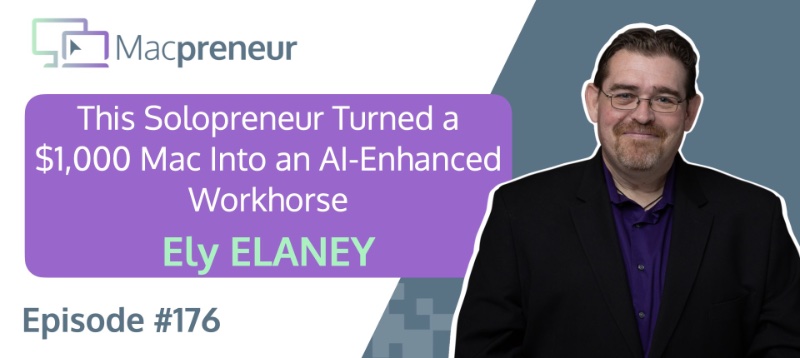
MP176: How This Solopreneur Turned a $1,000 Mac Into an AI-Enhanced Workhorse with Ely Delaney
TL;DR Ely Delaney turned an affordable Mac mini into a dependable, AI-enhanced workhorse for content, email marketing, and relationship-building. The real lesson: use AI to accelerate your expertise, not to replace the human judgment that makes your work effective. Connect with Ely Delaney Website: https://connectwithely.com/ LinkedIn: https://www.linkedin.com/in/elydelaney Watch now https://www.youtube.com/watch?v=FrIYMPUdths Listen now Affiliate disclosure Resources…
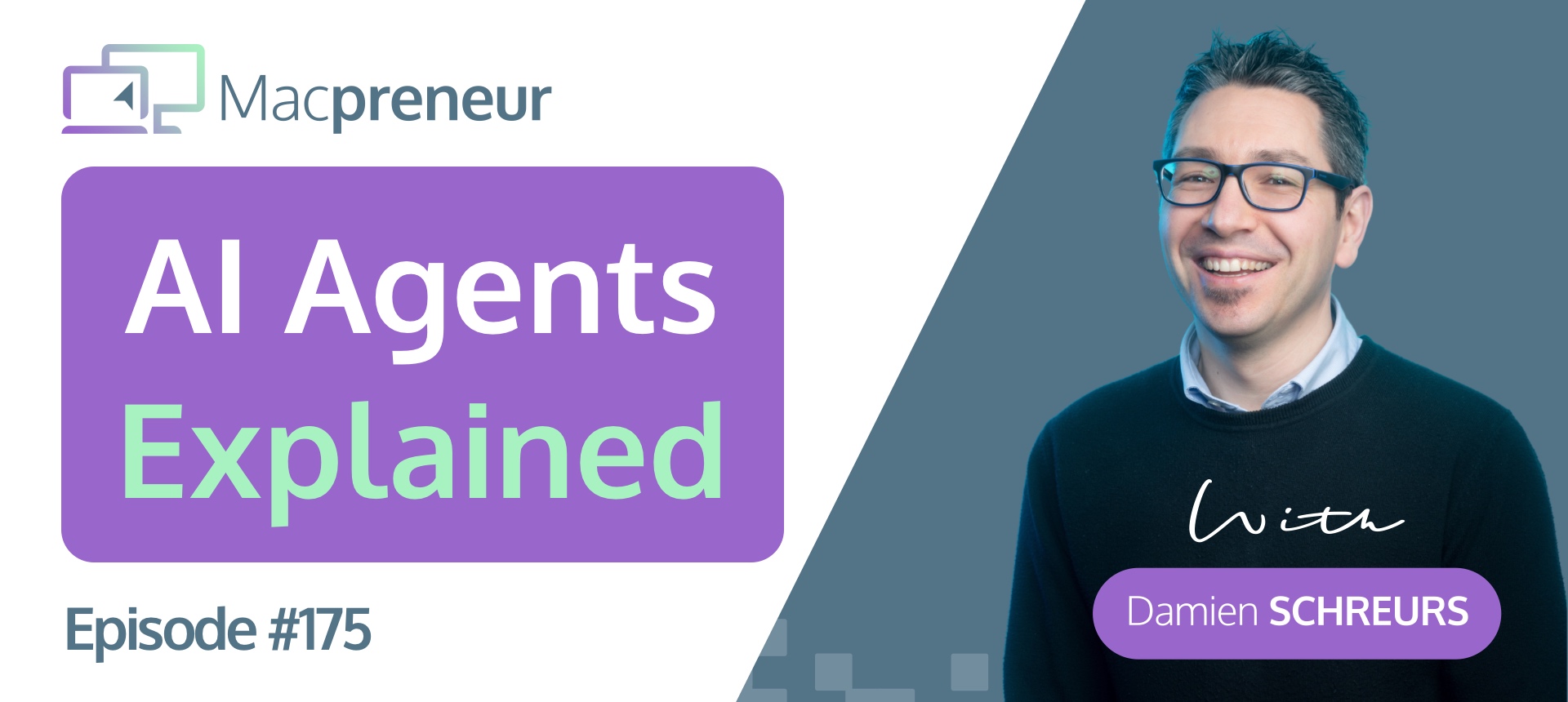
MP175: Mac Solopreneurs, Finally Understand What AI Agents Can and Shouldn’t Do
This episode breaks down exactly what separates an AI agent from an AI-powered automation, and why that distinction matters for Mac solopreneurs.
Continue Reading MP175: Mac Solopreneurs, Finally Understand What AI Agents Can and Shouldn’t Do